01
Data quality
Run a data quality pass before migration, not during it. Identify duplicate constituents, inconsistent gift coding, and undocumented custom fields — cleanup is dramatically cheaper before a migration than after.
CRM data cleanup →Answer honest questions across data quality, historical data, relationships, integrations, staff capacity, and testing to see whether your organization is actually ready to migrate CRMs — and what to fix first if it isn't.
Start the assessment ↓Whether the data you're moving is trustworthy in the first place.
Whether you've decided what history actually needs to move.
Whether the shape of your data is understood, not just its volume.
Whether the systems and reports connected to your CRM are accounted for.
Whether you can actually get your data out.
Whether the CRM you're moving to is actually ready to receive data.
Whether someone actually owns this migration internally.
Whether go-live is actually validated before it happens.
50%
Cleanup recommended first
Your biggest risk is data quality, not the migration itself. A cleanup pass before migrating will save far more time than it costs.
By category
Recommendations only show up here for categories where your answers indicate real gaps — ordered from the biggest gap to the smallest.
01
Run a data quality pass before migration, not during it. Identify duplicate constituents, inconsistent gift coding, and undocumented custom fields — cleanup is dramatically cheaper before a migration than after.
CRM data cleanup →02
Decide deliberately what historical gift and campaign data needs to migrate versus what can be archived or summarized. Migrating everything by default is expensive and often unnecessary.
CRM migration cost guide →03
Map household and relationship structures (and any real business processes they support, like soft credits or matching gifts) before migration — these are the hardest things to reconstruct after the fact if they're lost.
CRM consulting →04
Inventory every system connected to your current CRM — website forms, email, payment processors — and every report leadership actually relies on. Migrations regularly break integrations and reports nobody remembered to check.
Automations →05
Confirm you have export access and understand any limitations your current vendor places on data exports before you commit to a migration timeline.
CRM migration →06
Confirm your destination CRM is selected, configured, and field-mapped before you schedule a cutover date. Migrating into an unconfigured system just moves the mess.
CRM selection tool →07
Name one internal owner for the migration and document current CRM processes before institutional knowledge walks out the door with a staff transition.
CRM consulting →08
Build a parallel testing period into your timeline — running old and new systems side by side for at least one gift cycle — and budget real staff training time before cutover.
CRM migration →Whatever your score, we'll help you sequence cleanup, discovery, and migration in the right order.
A CRM migration is rarely derailed by the destination platform itself. It's derailed by data nobody audited, integrations nobody inventoried, or a testing period that got cut for time.
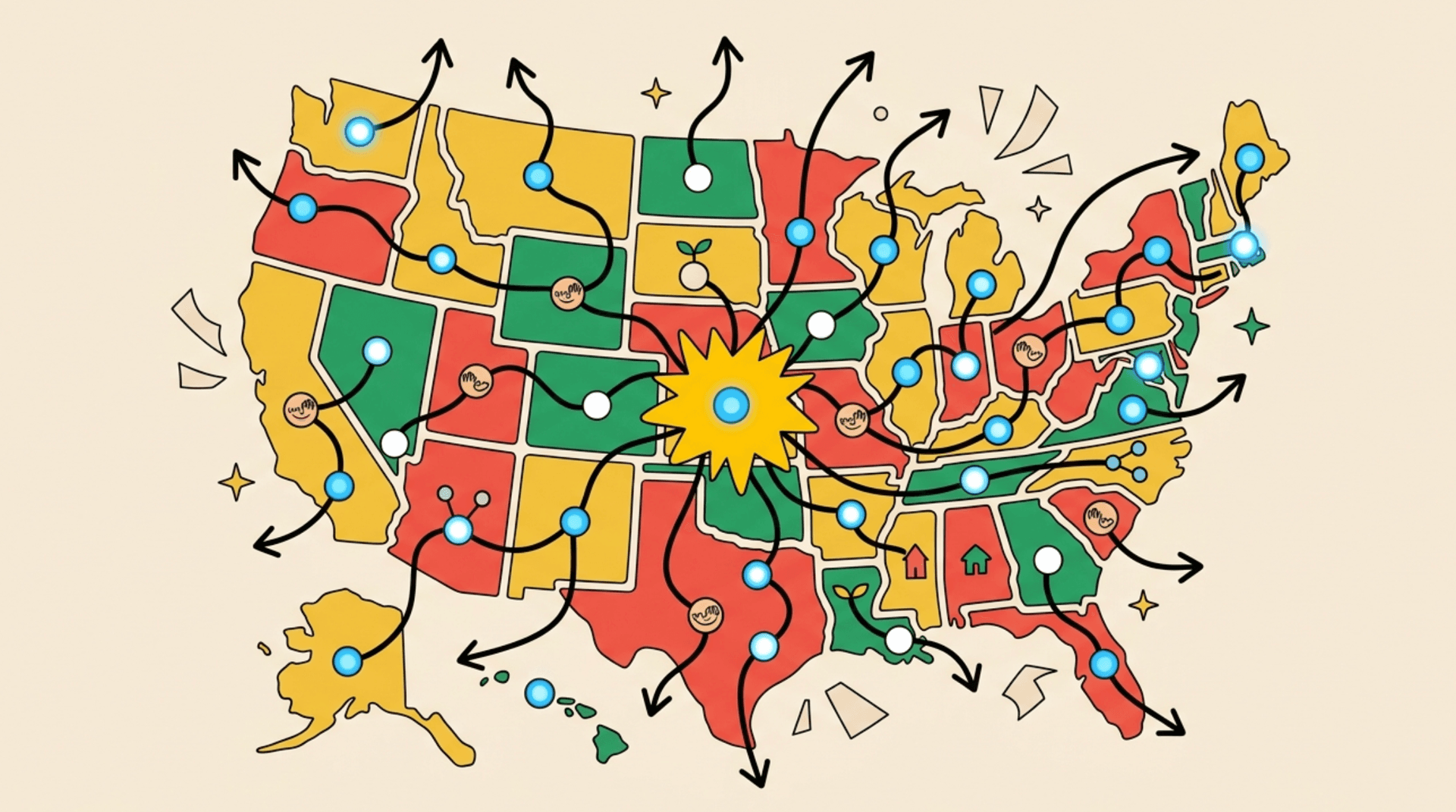
They fail three weeks earlier, when nobody realizes the duplicate strategy was never decided or the destination CRM was never actually configured.
A messy source CRM produces an equally messy destination CRM — just in a new, unfamiliar interface. Cleanup before migration is almost always cheaper than cleanup after.
This assessment turns "are we ready?" into nine concrete categories you can actually check off.
How it works

The most common recommendation on this assessment.
Explore →CRM migrationMapped, tested cutovers when you're ready.
Explore →CRM consultingFor gaps bigger than one migration can fix alone.
Explore →CRM selection toolStill deciding where you're migrating to? Start here.
Explore →Migration cost guideWhat actually drives migration cost.
Explore →When to switch CRMsMake sure switching is the right call before you migrate.
Explore →