Platform · Accessibility

Accessible WordPress development

Accessible WordPress is not a plugin toggle. We build and remediate WordPress sites with keyboard journeys, semantic structure, media alternatives, and editor guardrails — toward WCAG-oriented outcomes without legal theater.
Best suited for

Where this platform earns its place.

  • New WordPress builds that must meet accessibility expectations
  • Remediation after complaints or audit findings
  • Teams rejecting overlay-only approaches
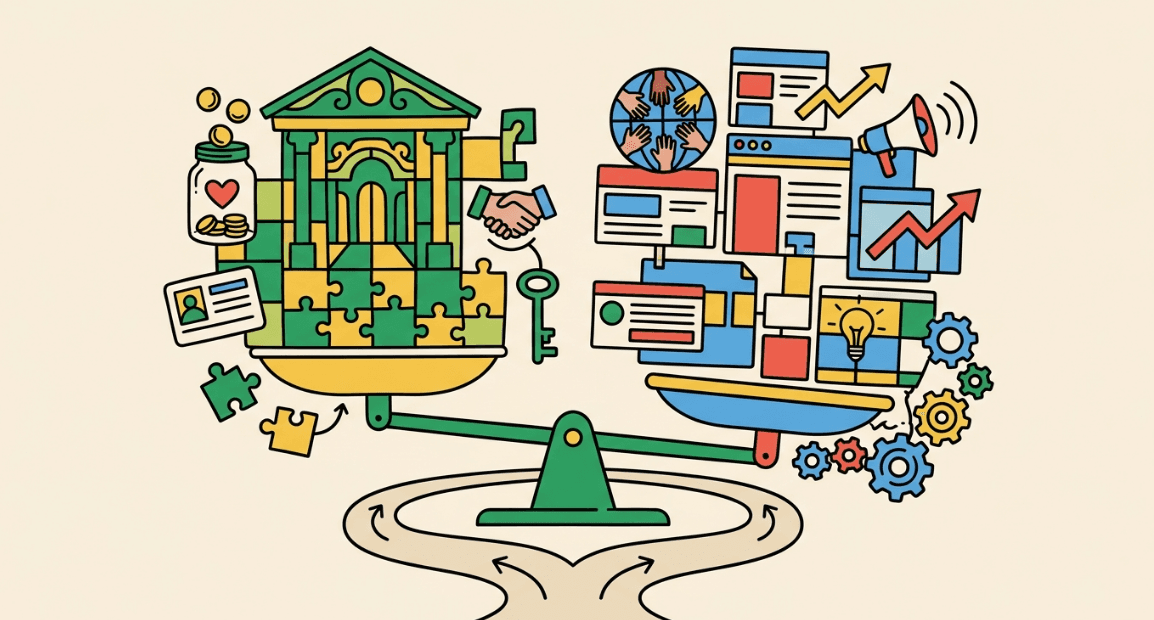
Balance scale weighing institutional systems against digital growth tools
In depth

How we think about this stack.

Build access in, do not bolt it on

Theme structure, focus states, forms, and media patterns decide most of your accessibility outcome. Overlays do not replace that work.

Editors can undo good engineering

We train and constrain authoring so new pages do not reintroduce contrast and heading chaos.

Remediation is a project

Existing sites need prioritized fixes — critical user paths first — not a 400-page fantasy in one sprint.
Open door representing accessible pathways

Where it performs well

  • Template-driven WordPress with disciplined themes
  • Form and donate path remediation

Common limitations

  • We do not certify legal ADA compliance
  • Third-party embeds can constrain outcomes
CauseHouse services

What we typically provide.

  • Accessible theme & template builds

    Semantics, focus states, and forms baked into WordPress — not bolted on.

  • Critical path remediation

    Donate, apply, contact, and program journeys fixed first.

  • Editor guardrails & training

    Authoring rules so new pages do not undo the investment.

  • Keyboard & screen-reader QA

    Manual checks beyond automated scans.

  • Media & document alternatives process

    Alt text, captions, and exception logs for third-party embeds.

  • Overlay-strategy replacement

    Real fixes instead of widget-as-compliance theater.

  • Ongoing accessibility care

    Retest rhythms tied to maintenance retainers.

Engagement shape

How work usually unfolds.

  1. 01

    Discovery

    Goals, data ownership, and staffing capacity before tool configuration.

  2. 02

    Design & configure

    Fields, journeys, and integrations that match how work actually happens.

  3. 03

    Validate

    Test gifts, forms, reports, and failure paths with real scenarios.

  4. 04

    Train & stabilize

    Documentation, training, and a clear ownership model after go-live.

Ownership

Who owns what after go-live.

  • Your team

    Data accuracy, gift coding standards, and day-to-day use.

  • CauseHouse

    Architecture in scope, integration design, and training materials.

  • Shared

    Change control after launch and vendor relationship decisions.

Migration considerations

Accessibility should be in redesign scope — not a phase-two wish. Third-party tools need an exception log.

Integrations

  • Donation embeds with QA
  • Forms and CRM handoffs
  • Media libraries with alt and caption process

Accessibility

CauseHouse builds and remediates toward WCAG-oriented outcomes where the stack allows. We do not provide legal advice or guarantee ADA compliance.

Common project mistakes

  • Buying an overlay and declaring victory
  • Skipping keyboard testing
  • No owner for ongoing content accessibility
Questions

Before you standardize on a stack.

Do you guarantee WCAG conformance?
We work toward WCAG-oriented outcomes and document residual risk. We do not provide legal certification.
Can Elementor sites be accessible?
With constraints and testing — sometimes. Unconstrained builders make it harder.
Start building

Ready to build a stronger house for your mission?